Get to Know You Games for Groups, Played on Phones
The first hour with a new group is the awkward one. A new class at university, a freshers week, a club's first meeting, a flat or a dorm floor where nobody knows anyone yet. Somebody says "let's go round and say a fun fact", and everyone spends the next five minutes dreading their turn. A get to know you game does the job better, because it gives people something to do together instead of a spotlight. The games below run in a browser: one person opens a room, everyone else joins on their own phone with a short code, and nobody installs an app or makes an account. It works with everyone in one room and just as well on a video call. This guide covers what to play in the first ten minutes with strangers, what to play once names are known, how to handle a big group, and a 30 minute running order you can use as it is.
By Game Night CentralPublished Updated
Jump into a game


Why a Game Beats a Round of Introductions
A round of introductions puts one person on the spot while everyone else waits and rehearses their own line. Nobody remembers the answers, because nobody was listening. A game turns it around: everyone answers at the same time on their own phone, the reveal is the funny part, and the conversation starts from something the group just saw together. The quiet people are not forced to perform, and the loud ones have something to aim their energy at. Everything here is free, and every game holds up to 10 or 12 players in one room.
How It Works in One Room
Nobody needs a console, a projector or a box of cards.
- One person opens the site and creates a room. The room shows a short code and an invite link.
- Everyone else types the code on their phone, or opens the link from the group chat. They join as guests, no account needed.
- Each player sees their own secret part on their own screen, so you can sit in a circle and still keep answers hidden.
- Someone joining late slips in between rounds.
- If part of the group is somewhere else, they join the same room from wherever they are. Put the video call on one device and the game on the phone.
Ready when you are
Start a game nowThe First Ten Minutes With Strangers
Start with games where nobody can get it wrong and nobody has to share anything personal yet.
- One Word Story: the group writes one story together, one word per person per turn. There is no score and no wrong answer, and the story goes off the rails within a minute. 2 to 12 players.
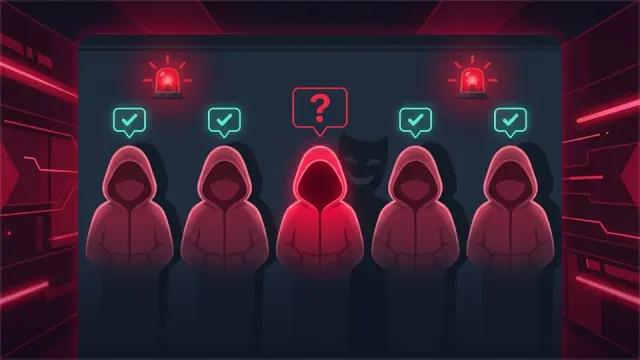
- 2 Truths 1 Lie: each person writes three facts about themselves on their phone, one of them made up, and the others vote on the lie. It is the classic get to know you game, and the stories behind the true facts are the best part. 2 to 12 players.
- Mind Sync: two players at a time see the same category and try to type the same word without talking. Pair up people who just met and watch who thinks alike. 2 to 10 players.
Once Everyone Knows the Names
After the first round the group is ready for games about each other.
- Finish the Sentence: everyone gets the same unfinished line, writes an ending in secret, and the group votes for the funniest. The endings show who has what sense of humour. 3 to 12 players.
- Vote Party: "Who here is most likely to..." questions, and everyone votes for a player. The reveal shows who voted for whom, so save it for when people know each other's names. 3 to 12 players.
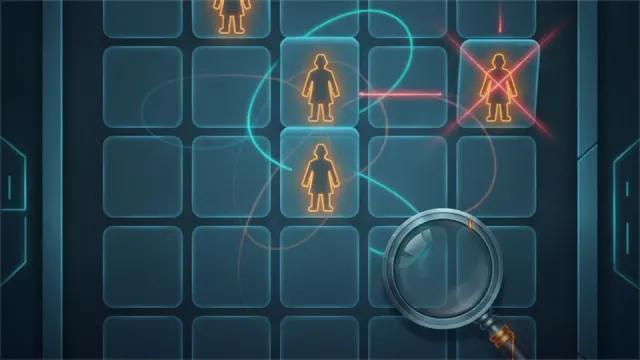
- Lie Detector: one player answers a question in the hot seat and secretly marks it true or false, then the group asks questions and votes. 3 to 12 players.
Big Groups and International Groups
A whole floor or a full seminar is bigger than one room.
- More than 12 people? Open two or three rooms and split the group into tables. Bring everyone back together at the end for Group RPS, rock paper scissors for up to 20 players at once.
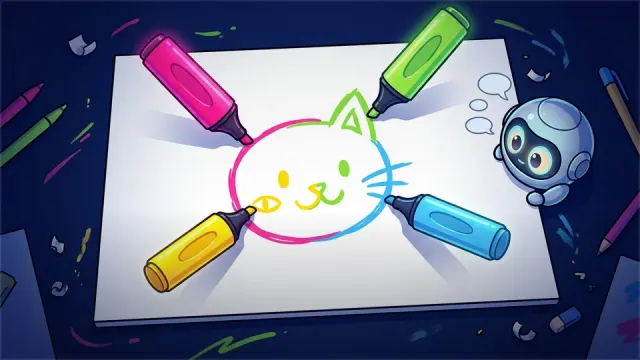
- Exchange students in the group? Turn on Own Language in the room settings. In Pictionary and Charades each player then sees the words in their own language, so a group from five countries can play the same round.
- Want a bit of competition? Quick Minds is a short trivia round with a buzzer, and Category Blitz has everyone name things that fit a category before the timer runs out.
A 30 Minute Running Order
For a first class, a club meeting or the first evening in a new flat:
- Minutes 0 to 5. Open the room and put the code on the board or in the group chat. Play One Word Story while people join.
- Minutes 5 to 15. 2 Truths 1 Lie. Give people a minute to write, then reveal one person at a time.
- Minutes 15 to 25. Finish the Sentence or Vote Party, depending on how relaxed the group already is.
- Last 5 minutes. End on a quick round of Group RPS, so the group finishes laughing.
Keeping It Comfortable for Everyone
These picks are fine for people who met ten minutes ago: no dares, no confessions, nothing that singles one person out for long. A few tips help. Let people skip a question without a fuss. Keep Vote Party for later in the session. If you are running this for work rather than for students, the icebreaker guide for remote teams has picks for meetings. When the group already knows each other and wants a full evening, see dorm games for college students.